Clinical AI needs a concrete introduction. Reteta’s website places the software beside its explanation, then gives features and plans their own space, using product screens supplied by the client.
My role
Website design · Zamstars
Collaboration
Content-team copy and client-supplied product screenshots
Visit website ↗Design exports from implemented pages · Live copy, imagery and details may differ.
Selected screens / Visual design
A closer look at the work.
Select a screen to explore it at full size.
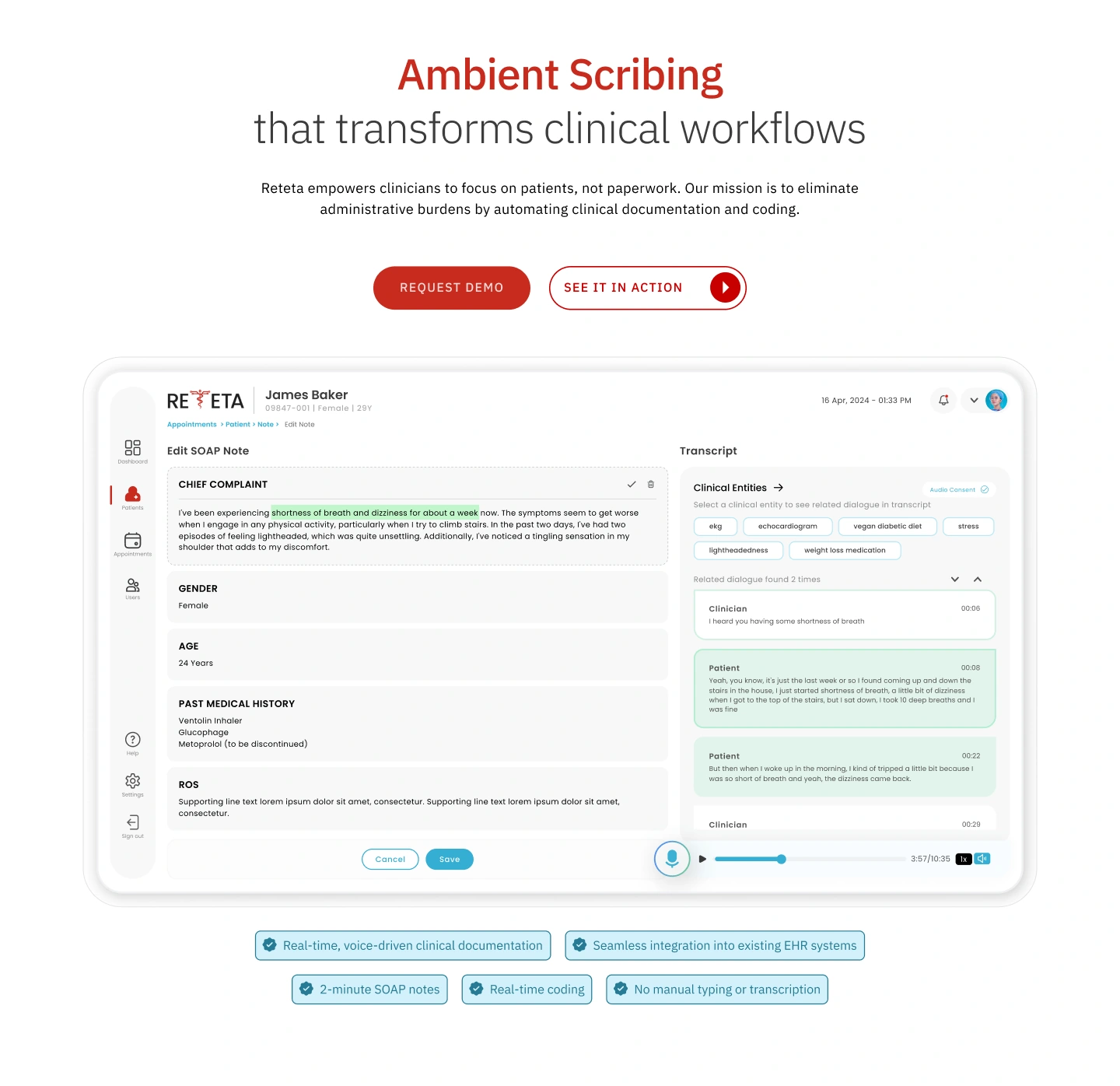
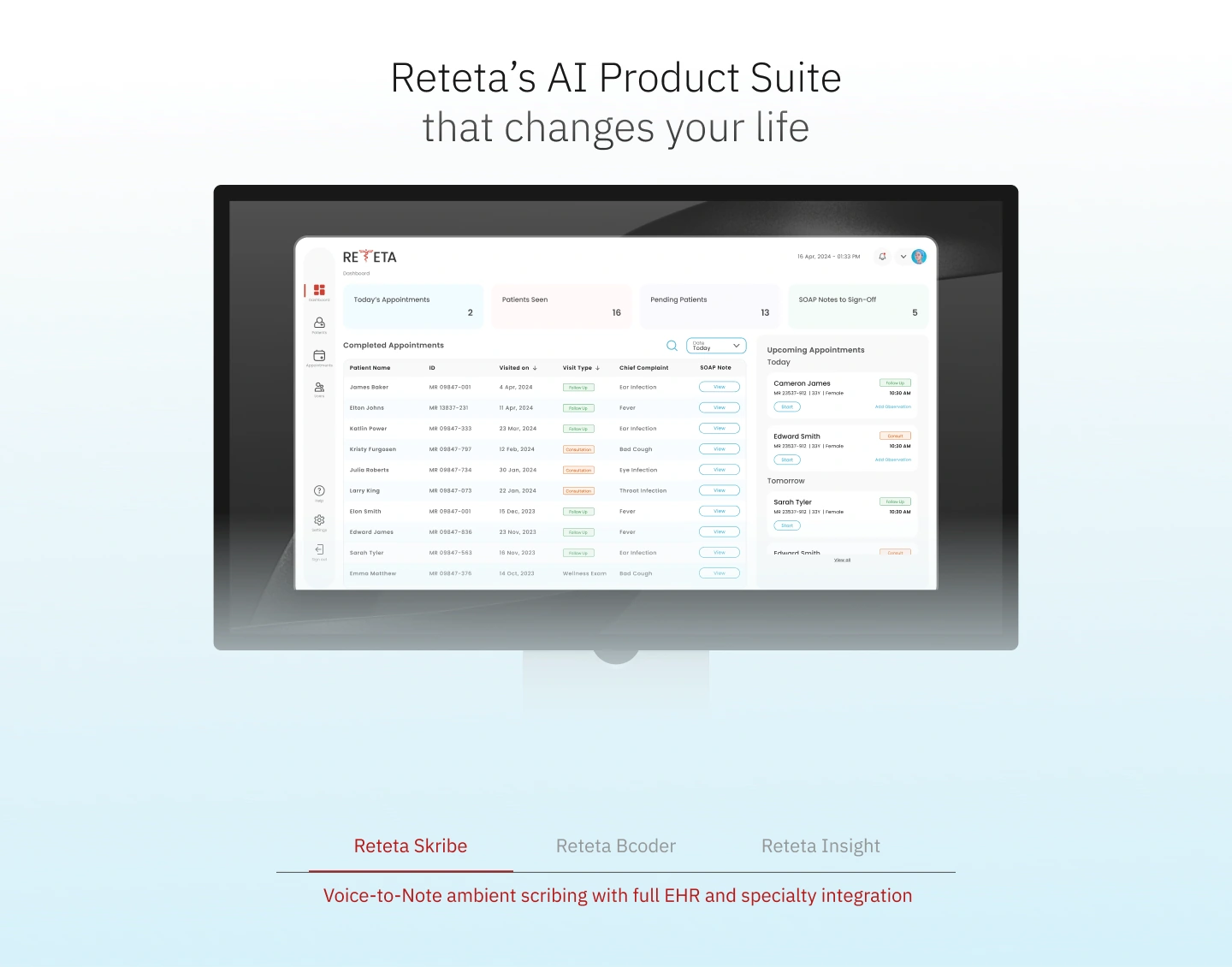
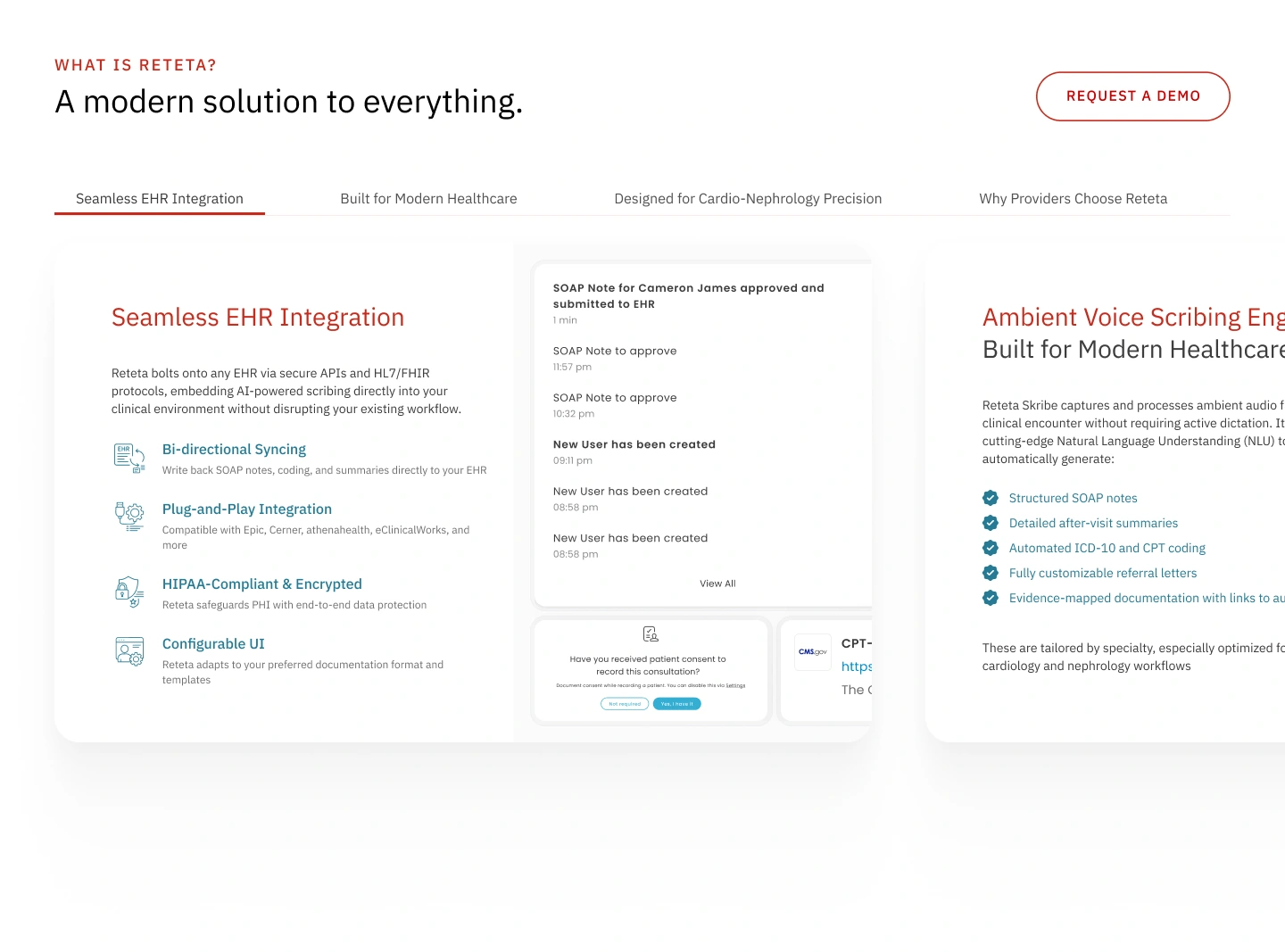
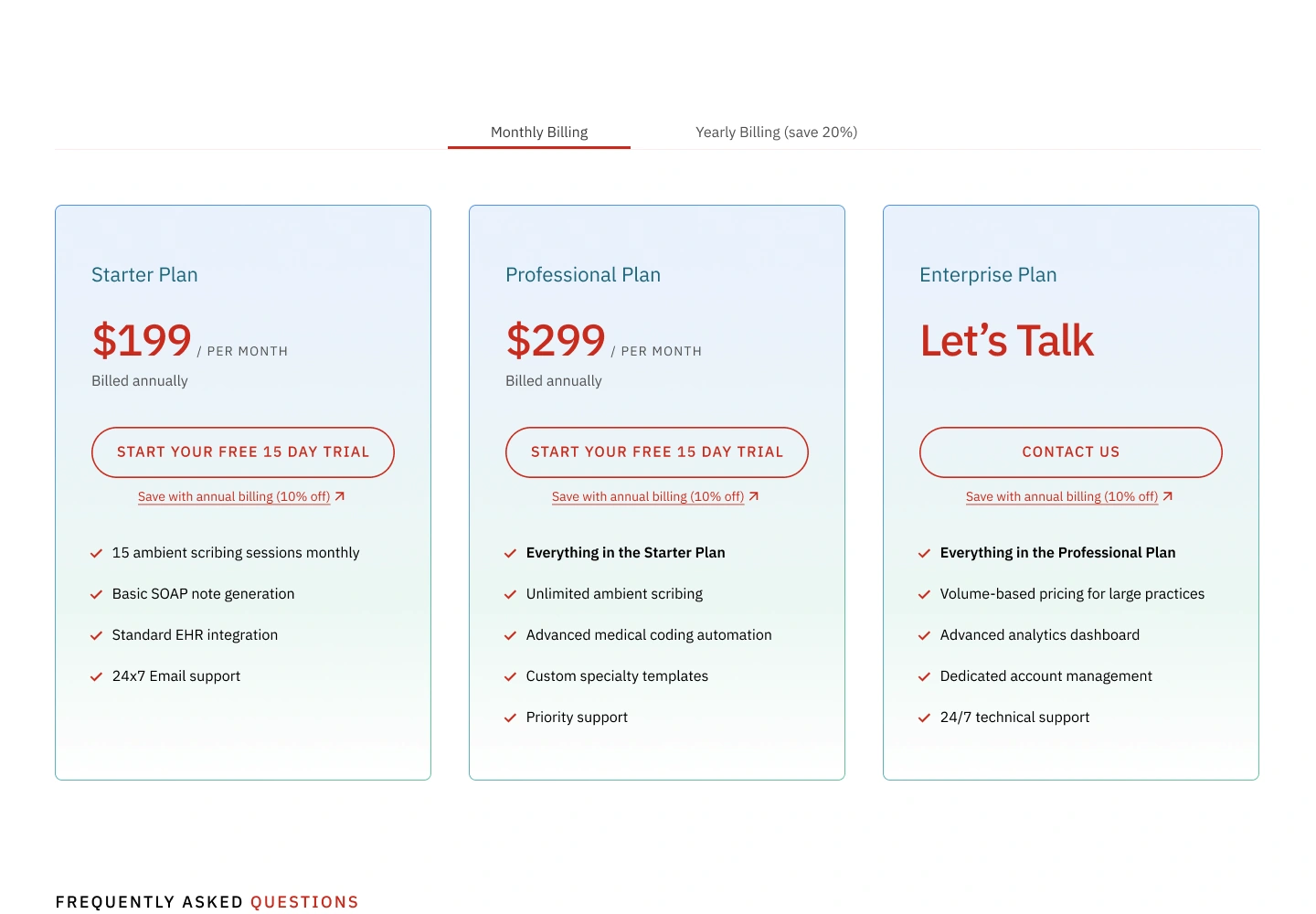
View full size ↗01Client-supplied product imagery anchors the opening explanation within my website layout.View full size ↗02A framed software view sits alongside distinct product choices. The product interface was supplied by the client.View full size ↗03Feature tabs pair each part of the explanation with supporting details and interface imagery.View full size ↗04Aligned plan cards provide a common comparison structure. Design-stage prices shown; current live prices differ.
The product story
Make the offering tangible
The website introduces specialist software to clinicians. Working with content-team copy and client-supplied screens, I focused on the order of the explanation: what the product is, what it does and which options are available.
Software in context
Put the interface in the first read
A large product screen sits near the opening explanation. The software becomes part of the introduction itself, giving visitors something concrete to look at as they read. The interface shown is the client’s work; my role was its website presentation.
A framed software view sits alongside distinct product choices. The product interface was supplied by the client.
Focused feature views
Let each feature hold attention
Focused sections break the explanation into smaller views. Light backgrounds, dark text and a warm red accent establish a hierarchy between the heading, supporting details and product imagery.
Feature tabs pair each part of the explanation with supporting details and interface imagery.
Comparing plans
Bring the options together
Three aligned plan cards put the same kinds of information in the same positions. Visitors can read across the options while keeping their place, with the comparison contained in one view.
Aligned plan cards provide a common comparison structure. Design-stage prices shown; current live prices differ.
In use
A product story across the site
The work covered approximately seven to eight website pages at Zamstars. The live site reflects my layouts; prices shown in the design-stage screens have since changed.